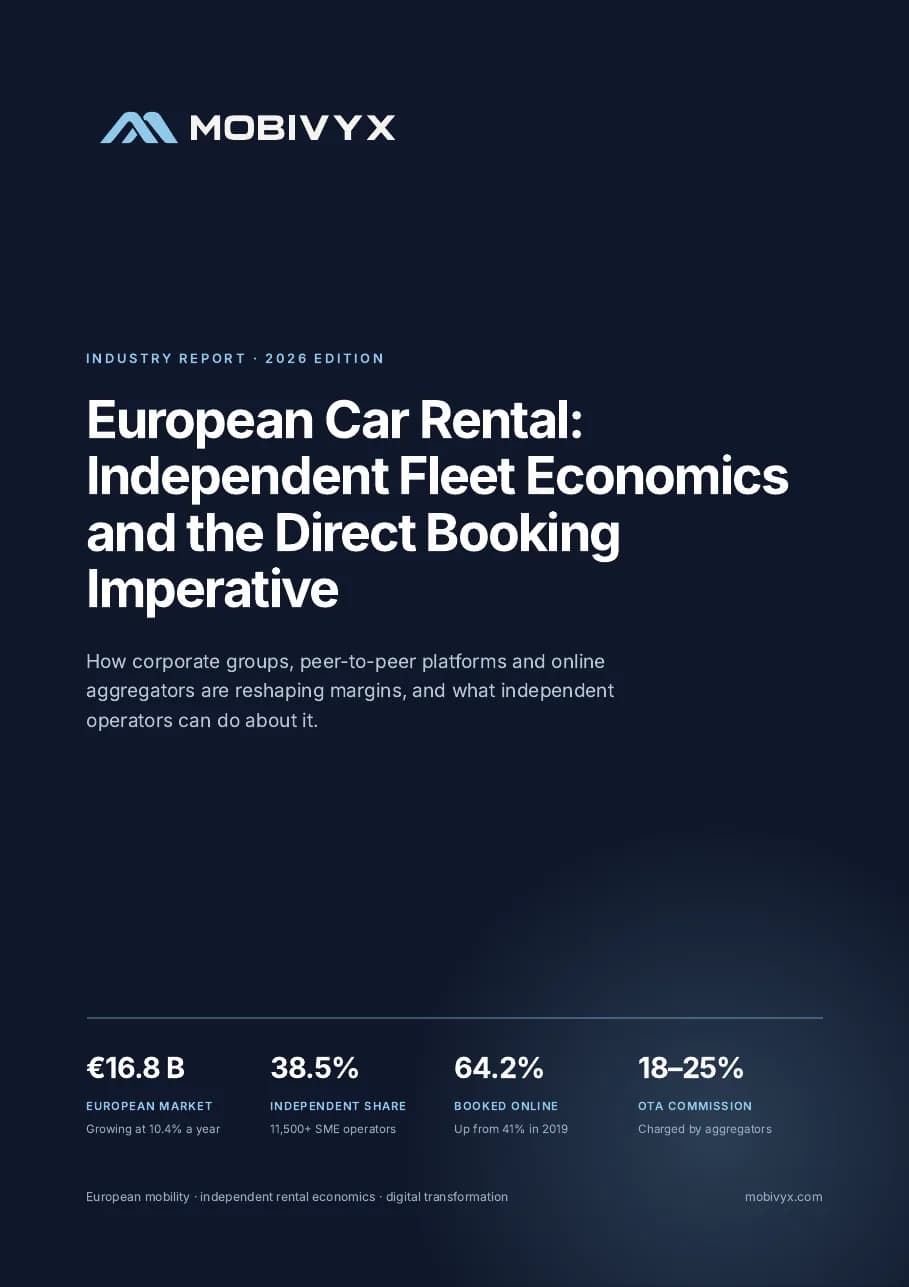
Choosing car rental management software commits your agency for years: planning, contracts, invoicing and your booking website all live there day to day. Here is an eight-point checklist for independent operators, with the question to ask on each point before you sign.
Free report: the European car rental market. Download ↓1. A booking website connected to your fleet
The website should read availability and prices straight from the software: no double entry and no third-party widget. Check that it works well on mobile (68% of travel searches, according to the Mobivyx report) and that it can use your own domain name.
2. A single planning calendar
Departures, returns, cleaning time and maintenance on the same calendar. This is what prevents double bookings, which mostly come from separate whiteboards, diaries and spreadsheets.
3. Quotes, contracts and invoices tied to the booking
Every document should stay attached to the right rental, with electronic signature, PDF export and email sending.
4. Inspections with photos
A vehicle diagram, timestamped photos and the customer's signature at pickup and return. This is your best defence in a damage dispute.
5. Payments, deposits and security deposits
Check what the software actually handles: online payment at booking, tracking of deposits and security deposits. Above all, ask who receives the money and which commissions apply.
6. Maintenance and GPS
Service due dates and vehicle positions on a map, in the same workspace as everything else. Useful for protecting the fleet and planning downtime.
7. Multiple languages and currencies
Your customers do not all speak the same language. Check the languages of the interface and of the booking website, the currencies, and right-to-left support if you work with Arabic.
8. A real trial and a clear price
A free trial with no card, public pricing, the ability to import your vehicles and customers from a CSV file, and clear terms for getting your data out if you switch tools.
The summary table
| Criterion | Question to ask before signing |
|---|---|
| Booking website | Does it read my live availability and accept my domain? |
| Planning | Are departures, returns, cleaning and maintenance on one calendar? |
| Documents | Do quotes, contracts and invoices stay linked to the booking? |
| Inspections | Timestamped photos and customer signature at pickup and return? |
| Payments | Who receives the money, and with what commissions? |
| Maintenance and GPS | Due dates and vehicle positions in the same tool? |
| Languages | Interface and website in my customers' languages? |
| Trial and price | Trial without a card, public pricing, data import and export? |
Where MOBIVYX fits
MOBIVYX covers these eight points in one workspace: a booking website for each agency, planning, quotes, contracts, inspections, invoices, payment tracking, maintenance, live GPS and reports, in French, English, Arabic, German, Spanish and Italian. The free trial lasts 30 days, with no card at sign-up.
Frequently asked questions
What is the best car rental software for a small agency?
There is no universal answer: it depends on fleet size, the need for online booking and budget. Use the checklist above and test two or three tools with your own vehicles before choosing.
Should rental software include a booking website?
If you want to reduce your dependence on OTAs, yes: a website connected to the planning avoids double entry and lets you take bookings 24/7.
How much does car rental management software cost?
In its 60-vehicle scenario, the Mobivyx report assumes about €4,200 a year. See the pricing page for current MOBIVYX plans.